Dual Degrees Cloud
Set the app up once. Never again.
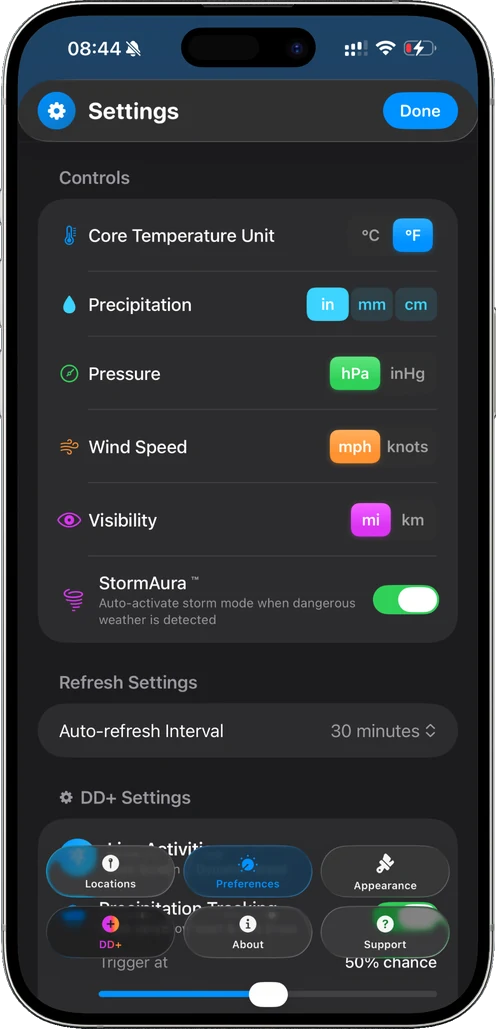
A free account keeps your saved cities and your settings in sync, from units and themes to the way your home screen is laid out, so a new phone, a reinstall, or a second device starts exactly where you left off.
Three steps, one minute.
- 1
Create an account in the app
Settings, then Support. An email address and a password is all it asks for.
- 2
Save your cities and set the app up
Every city you add and every setting you change is kept in your account as you go.
- 3
Sign in anywhere
Open Dual Degrees on a new iPhone, sign in, and your cities and settings are already there.
Free, with no limits
Cloud is free for every user. Save as many cities as you like.
Instant
Add a city, reorder your list or change a setting, and every signed-in device follows straight away.
Two-factor sign-in
Optional time-based one-time codes protect your account.
Only what it needs
Cloud stores your city names, your app settings and your sign-in details. Your location is never stored.