Both units, without opening the app.
Fourteen widgets across the home screen and lock screen, two Live Activities, and three Apple Watch complications. Every one of them shows Fahrenheit and Celsius together.
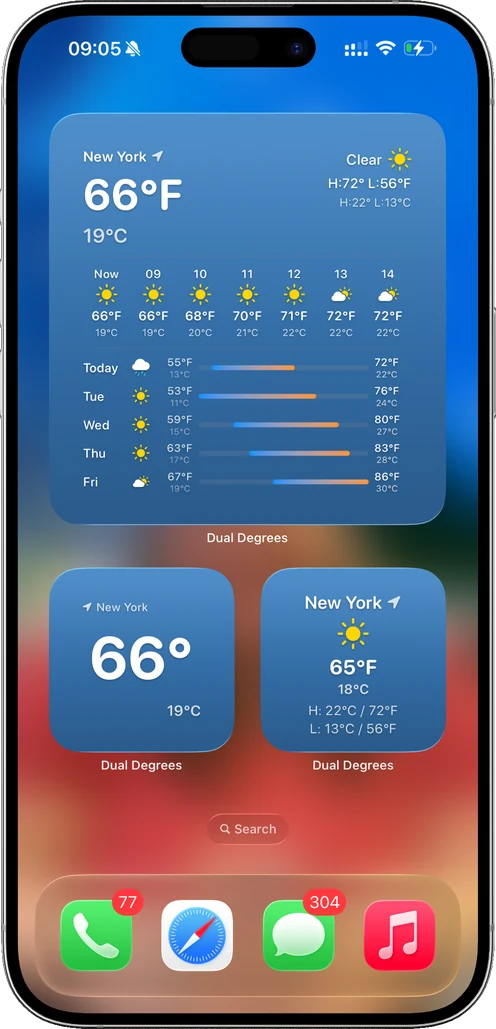
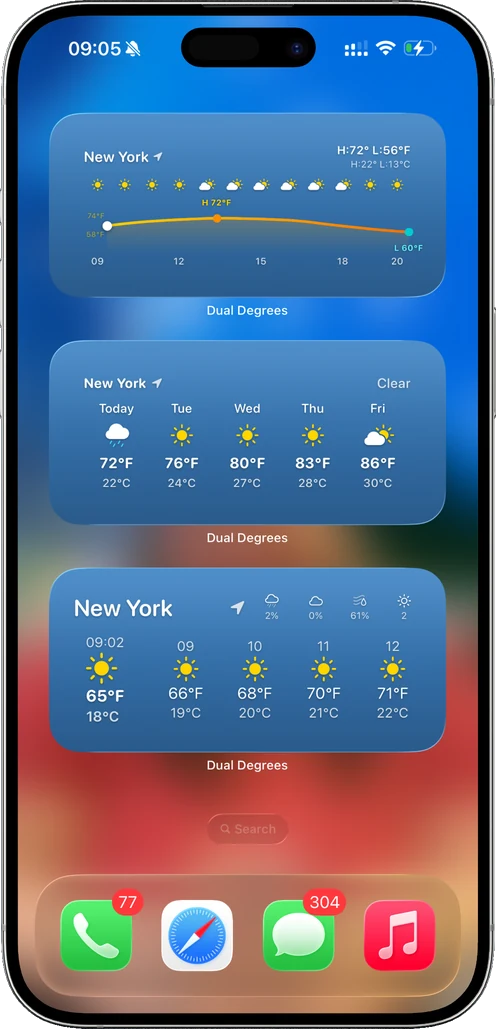
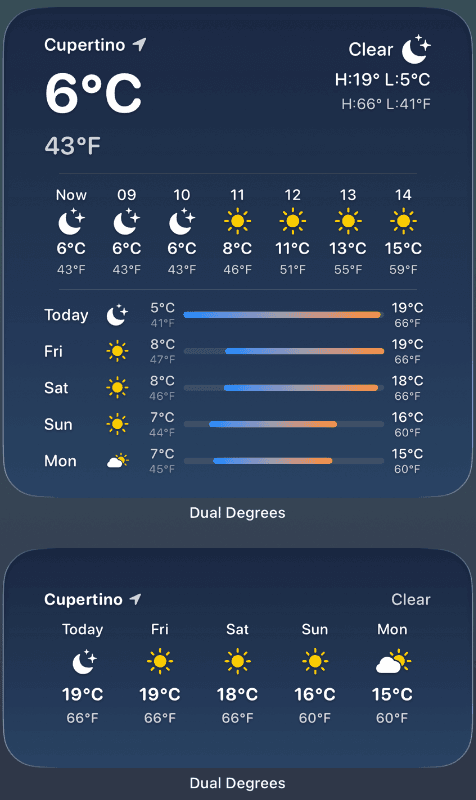
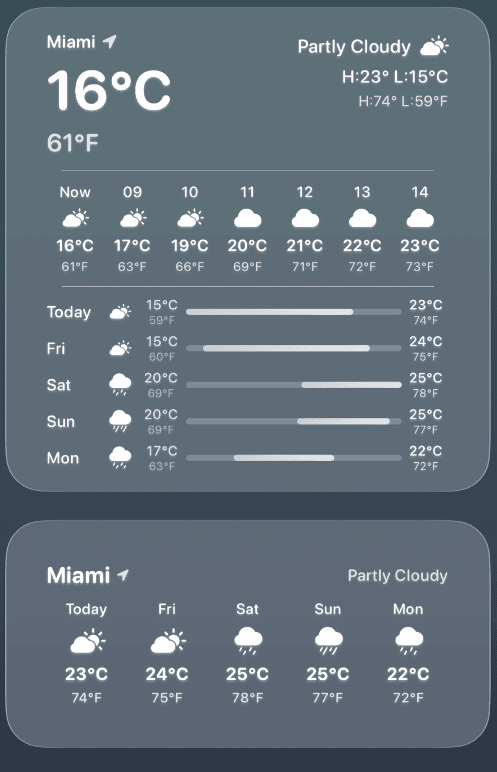
Home screen
Eight widgets, from a full forecast to just the two numbers. Dual Degrees+ opens up every widget placement and the glass styles.
Glance Weather
Current conditions and both temperatures at a glance.
Advanced Weather
Conditions plus the details: feels like, wind, precipitation.
Dual Temperature Forecast
The days ahead with both units on every day.
Temperature Graph
The next 24 hours as a curve, high and low marked in both units.
Minimal Temperature
Just the two numbers.
Minimal Conditions
The two numbers and the condition icon.
Simple Temperature
A plain, readable temperature pair.
Simple Conditions
A plain temperature pair with the condition.
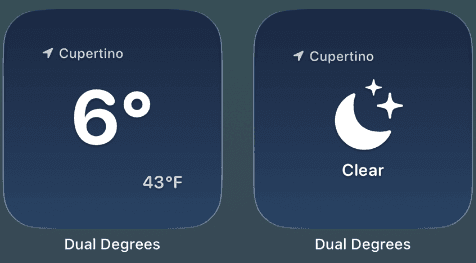
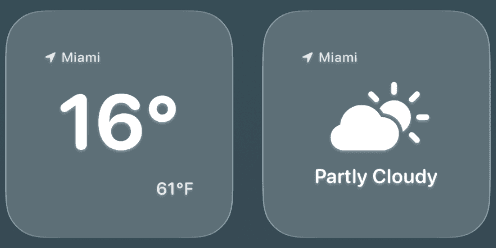
Lock screen
All six are free. Glance at your phone and you have the weather, in both units, before you unlock.
Dual Degrees
Both units, visible without unlocking.
Daily Hi/Lo
Today's range in both units.
Feels Like
The apparent temperature, so you know before you step out.
Precipitation
Chance of rain and the next few hours.
Wind
Speed, direction and gusts.
Sunrise & Sunset
The next one, plus the day's length.
Live Activities
Two that appear only while something is happening.
Precipitation
Follows rain or snow from the lock screen and Dynamic Island while it is near you.
Severe Weather
Stays on screen while a StormAura threat is active, and ends when it clears.
Apple Watch
Three complications, so the pair is on your wrist too.
Dual Temp °F/°C
Fahrenheit first, Celsius beside it.
Dual Temp °C/°F
Celsius first, Fahrenheit beside it.
Dual Degrees
The app's own complication, opens straight to your weather.
Put both numbers where you will see them.
Fourteen widgets, two Live Activities, three complications, and both units on all of them.